
Most WordPress sites don’t fail because of one big mistake; they fail slowly.
A plugin update gets skipped, a backup isn’t checked, a small error goes unnoticed, performance degrades bit by bit, until one day the site is down, hacked, or painfully slow.
By the time most site owners notice something is wrong, the damage is already done.
WordPress maintenance isn’t about fixing problems after they happen. It’s about preventing them before they affect your business, traffic, and credibility.
In this blog, we’ll walk through what WordPress maintenance really means, why it matters, and the best practices we use to keep WordPress websites stable, secure, and scalable.
What WordPress Maintenance Actually Means
WordPress maintenance is the ongoing process of keeping your website healthy, secure, and performing well over time. It’s the behind-the-scenes work that ensures everything visitors see on the front end runs smoothly in the background.
It’s not a one-time setup you check off after launch. A WordPress site is built on software that constantly evolves; core updates roll out, plugins improve (or break), security threats change, and user expectations grow. Maintenance is what keeps your site aligned with all of that movement instead of slowly falling behind.
In practical terms, maintenance means regularly updating WordPress core, themes, and plugins so your site stays compatible and protected. It also means monitoring for security vulnerabilities, running backups so your data is never at risk, optimizing speed and performance, and fixing small issues before they turn into bigger, more expensive problems.
It’s also about stability. Sometimes an update conflicts with another plugin. Sometimes a feature stops working after a change. Ongoing maintenance helps catch and resolve these issues early, often before your visitors ever notice something went wrong.
Many hosting providers include “basic maintenance,” but that usually covers only server-level tasks or automatic updates. That’s helpful, but it’s not the same as actively looking after your website’s functionality, user experience, and business goals.
If your website plays an important role in generating leads, driving sales, or building brand trust, maintenance can’t be passive. It needs to be intentional, monitored, and proactive, because a well-maintained website doesn’t just stay online, it continues to perform and support your growth.
Why WordPress Maintenance Is Non-Negotiable
A neglected WordPress site becomes risky faster than most people realize. Things may look fine on the surface, but small issues can quietly build up in the background until they suddenly become urgent problems.
Outdated plugins are one of the most common entry points for hacks. Developers regularly release updates to patch security gaps, and when those updates are ignored, your site becomes an easy target. What could have been a simple update can turn into malware, data loss, or your site being taken offline.
Backups are another area people underestimate. Without reliable backups, even a small mistake, a failed update, or a hosting issue can lead to major losses. Content, customer data, and important configurations can disappear in seconds, and recovery becomes stressful, expensive, or sometimes impossible.
Performance also suffers when maintenance is ignored. Databases get cluttered, unused plugins pile up, images stay unoptimized, and pages slowly become heavier. Visitors may not know why your site feels slow, but they feel the frustration and leave sooner, which also affects your search rankings over time.
Regular maintenance protects you from all of this. It keeps your site secure, stable, and fast, while reducing the chances of unexpected downtime or emergencies. Instead of reacting to problems, you’re preventing them.
A well-maintained WordPress site loads faster, ranks better, and builds more trust with visitors. Most importantly, it gives you peace of mind. You can focus on content, marketing, and growing your business without constantly worrying about what might break next.
Keep WordPress Updated (Without Breaking the Site)
Updates are essential, but they need to be handled carefully.
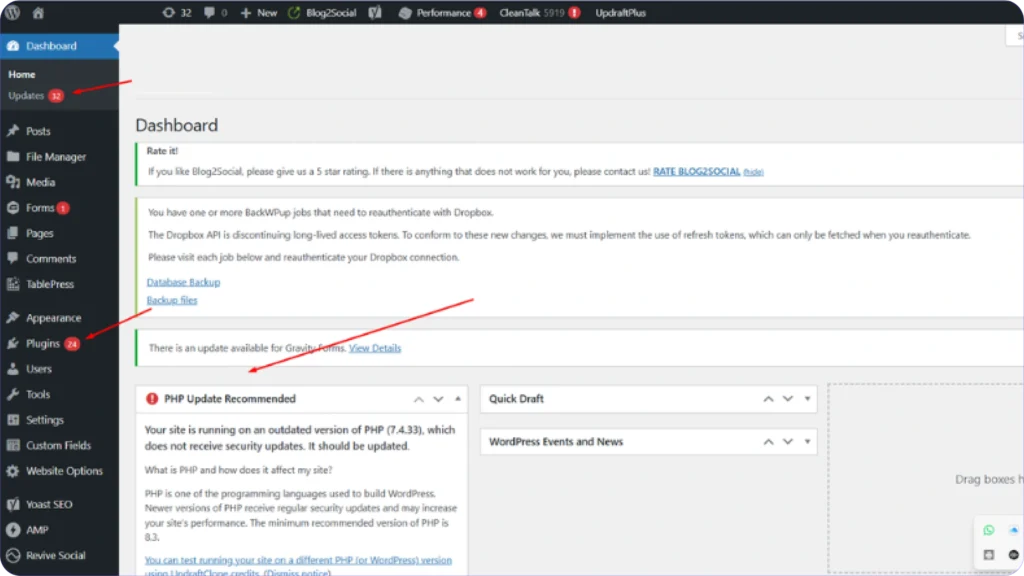
WordPress core, themes, and plugins are updated regularly to fix security gaps, resolve bugs, and stay compatible with new technologies. Ignoring those updates leaves your site exposed, but installing them without checking can create just as many problems.
That’s because every WordPress site has its own mix of themes, plugins, and custom features. One update can sometimes clash with another tool, affect layout styling, or break a key function like forms, checkout, or user logins.
The smarter approach is controlled, planned updates.
Before anything goes live, updates should be reviewed and tested, especially on sites that generate leads, handle transactions, or have custom development. A staging environment allows changes to be tested safely, so any conflicts or visual issues can be caught early instead of by your visitors.
This process significantly reduces the risk of plugin conflicts, layout breaks, and unexpected downtime. It’s especially important for WooCommerce stores, membership sites, or platforms with integrations, where even a small issue can directly impact revenue.
Auto-updates can work well for simple or low-risk sites, but business websites usually need a more hands-on approach. Careful updates keep your site secure and modern without sacrificing stability or user experience.
Backups: Your Safety Net When Things Go Wrong
Backups might feel like a background task, but they’re often the only thing standing between a small incident and a complete website disaster.
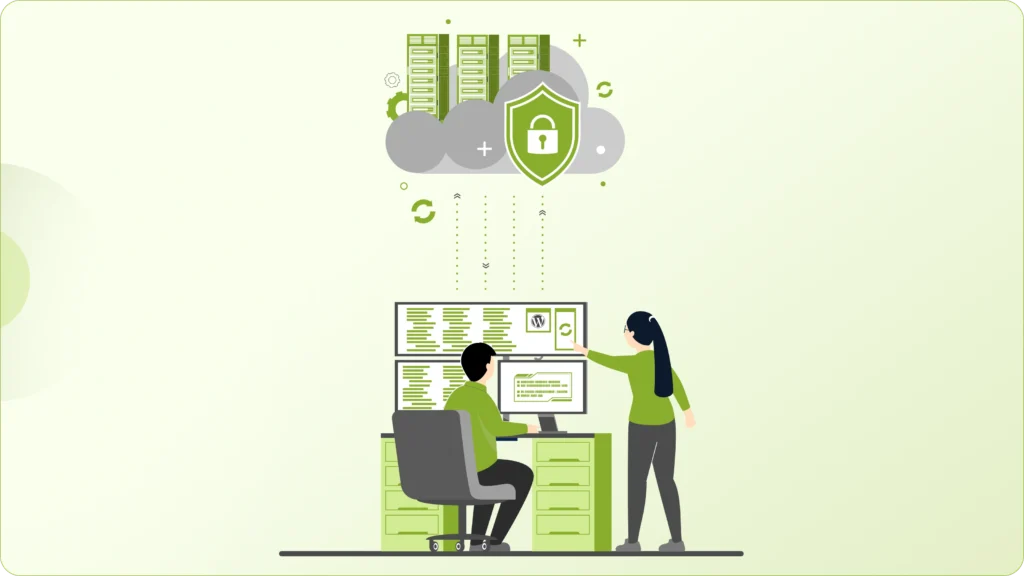
If your site gets hacked, your hosting server crashes, or someone accidentally deletes important content, a recent backup gives you a clean restore point. Instead of rebuilding pages, products, or databases from scratch, you can roll your site back to a working version and get back online fast.
How often you back up should match how active your website is. A brochure-style site that rarely changes might be fine with weekly backups. But eCommerce stores, booking systems, and lead-generation websites should be backed up daily, sometimes even more frequently, because new orders and inquiries come in all the time.
What many site owners don’t realize is that creating backups is only half the job.
We don’t just generate backup files and hope for the best. We make sure backups are stored securely off-site, away from your main server, so they’re still safe if your hosting environment fails. On top of that, backups should be tested periodically to confirm they can actually be restored. A backup that fails during recovery is as risky as having none at all.
Reliable backups give you confidence to update, improve, and grow your website, knowing you always have a safety net if something unexpected happens.
Security Monitoring Is Not Optional Anymore
WordPress runs a massive portion of the internet, which also makes it one of the most targeted platforms for automated attacks and malware injections.
That doesn’t mean WordPress is unsafe. It means security can’t be treated as a one-time setup.
Installing a security plugin and forgetting about it gives a false sense of protection. Real security comes from ongoing monitoring, regular reviews, and proactive hardening behind the scenes.
We continuously scan websites for malware, suspicious behavior, and unexpected file changes that could indicate a breach. Many threats don’t break your site immediately; they sit quietly, collect data, or wait for the right moment. Regular monitoring helps catch those early, before they turn into serious damage.
Access control is another major part of maintenance. Too many admin users, weak passwords, or outdated login practices create easy entry points. We make sure user roles are properly assigned, unnecessary accounts are removed, and strong authentication methods like two-factor authentication are used wherever possible.
Most security issues start as small, invisible gaps. A missed update, an old plugin, or an unused admin account can be all it takes. Ongoing maintenance quietly closes those gaps, reduces risk over time, and keeps your website protected without disrupting daily operations.
Performance Optimization Is Ongoing Work
A WordPress site that felt lightning fast a few months ago can slowly become sluggish without anyone noticing right away.
Content grows, images pile up, plugins get added, and background processes increase. All of this quietly affects loading time and overall responsiveness. Performance isn’t something you fix once and forget. It needs regular check-ins.
Ongoing maintenance means keeping the database clean, removing unnecessary data like old revisions and spam entries that weigh things down over time. It also includes optimizing images so they look sharp without being oversized, and reviewing plugins to make sure none of them are slowing the site behind the scenes.
Caching and server performance also play a big role. We fine-tune caching settings, check how quickly the server responds, and make sure your site can handle real-world traffic without struggling during busy periods.
This matters far beyond technical scores. Speed directly affects how people feel about your website. Slow pages create frustration and make a business look unreliable, even if the content is great.
Good performance optimization isn’t about chasing a perfect 100 on a test tool. It’s about making sure your website feels smooth, fast, and dependable for the people actually using it.
Monitoring Errors and Uptime Before Users Notice
Not every WordPress problem shows up with a warning sign.
Sometimes it’s a broken link buried deep in your site. Other times it’s a form that silently stops sending emails, a checkout step that fails for certain users, or a brief server outage that happens while you’re asleep. These issues often go unnoticed until a customer points them out or conversions start dropping.
That’s why proper maintenance includes active monitoring, not just occasional check-ins.
We keep an eye on site uptime so we know immediately if your website goes down, even for a few minutes. Quick alerts mean faster fixes and less impact on your visitors, your leads, and your revenue.
Error tracking is just as important. We look for things like failed processes, plugin conflicts, and hidden technical errors that don’t always break the whole site but still damage user experience. Fixing these early prevents them from growing into bigger, more expensive problems later.
Most website disasters don’t happen all at once. They start small and get worse when no one is watching. Consistent monitoring helps catch those small issues early, so your visitors never even know something almost went wrong.
Why Maintenance Should Happen Before Changes Go Live
One of the biggest mistakes we see is treating the live website like a testing ground.
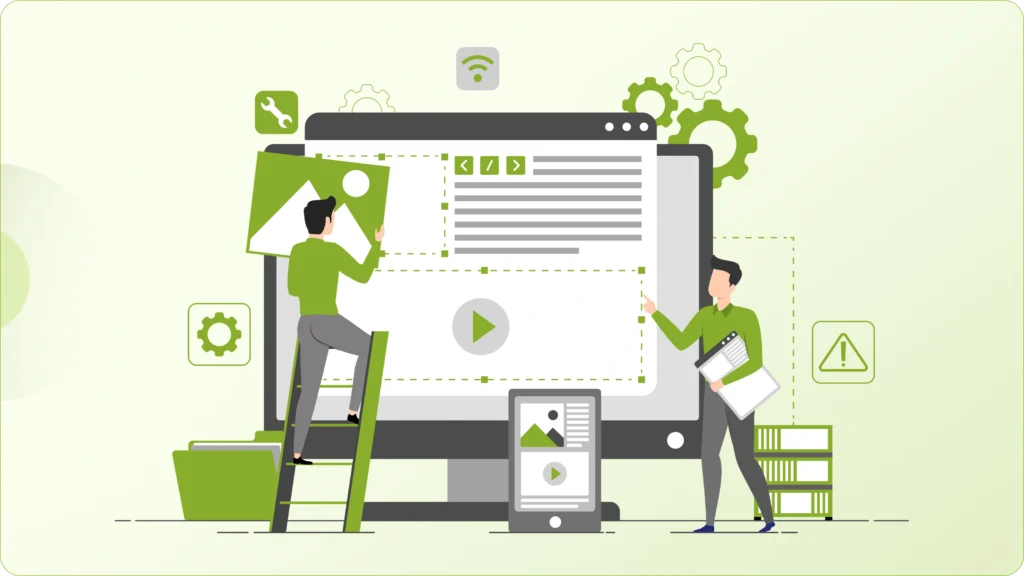
Maintenance best practice is simple: test first, then publish. Your live site should never be the place where you “see what happens.”
Even small changes like plugin updates, layout tweaks, or new features can unexpectedly affect other parts of the site. Without testing in a staging or safe environment, you risk broken layouts, checkout issues, or features that stop working without warning.
By reviewing and testing changes before they go live, problems are caught early, when they’re easier and safer to fix. This approach protects your users from running into errors and protects your business from avoidable downtime or lost data.
For larger updates, maintenance mode is used carefully and intentionally. Instead of exposing visitors to a half-updated site, we make sure changes are applied cleanly behind the scenes and only made visible when everything is working as it should.
Clear communication during planned maintenance also matters. When users see that updates are handled professionally, it builds confidence rather than frustration.
When DIY Maintenance Stops Making Sense
Handling WordPress maintenance yourself can work in the beginning, especially when the site is small and changes are minimal.
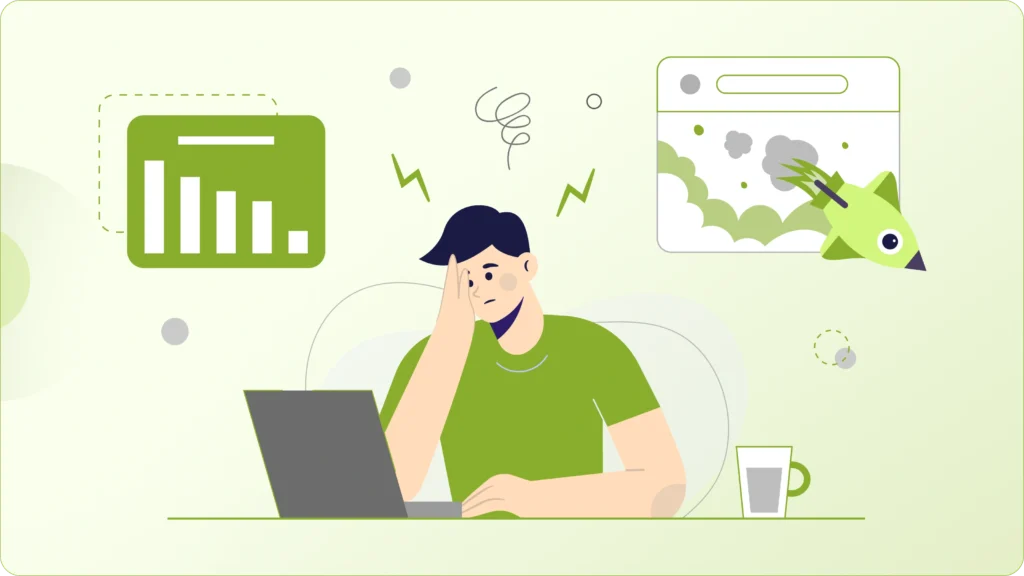
But as your website grows, so does the responsibility that comes with it. More traffic, more plugins, more integrations, and more business reliance mean that small technical issues can quickly turn into serious problems.
What once took a few minutes a week can start eating into your schedule. Instead of focusing on marketing, sales, or content, you end up troubleshooting updates, fixing layout breaks, or figuring out why something suddenly stopped working.
Custom features and third-party integrations add another layer of complexity. Updates need to be tested more carefully, performance needs closer monitoring, and security risks become more costly if something goes wrong.
This is usually the point where DIY maintenance stops being efficient and starts becoming risky.
Professional WordPress support takes that weight off your shoulders. A dedicated maintenance team keeps your site updated, secure, fast, and stable in the background, so you can focus on running and growing your business instead of constantly worrying about what might break next.
Our Approach to WordPress Maintenance & Support
We don’t treat maintenance like a list of tasks to tick off once a month. For us, it’s an ongoing partnership built around keeping your website stable, secure, and performing at its best every single day.
Our focus is always on prevention rather than reaction. Instead of waiting for something to break, we continuously monitor your site, review updates carefully, test changes in safe environments, and optimize performance in the background. Most of the work happens quietly, long before a problem ever reaches your visitors.
From routine core, theme, and plugin updates to performance improvements, security hardening, and hands-on technical support, everything is handled with one goal in mind: keeping your website dependable as your business grows.
You don’t have to worry about surprise issues, sudden slowdowns, or technical risks building up over time. We make sure your WordPress site stays reliable, scalable, and stress-free, so you can focus on running your business while we take care of the technical side.
Final Thoughts
WordPress maintenance isn’t about doing more work; it’s about avoiding unnecessary problems.
A well-maintained site runs smoother, ranks better, converts better, and lets you focus on growth instead of firefighting.
If your WordPress site matters to your business, maintenance isn’t optional; it’s essential.
Need Help Maintaining Your WordPress Site?
If you want to focus on growing your business while letting experts handle updates, security, performance, and ongoing support, we can help.
Our WordPress maintenance and support service is built for businesses that want stability, speed, and peace of mind, without any unwanted surprises.
Let us take care of your WordPress site, so you don’t have to.