
If you’re running a store on Shopify, you’ve probably asked yourself this at some point: “Should I just install an app… or build this properly?” This seems like an easy choice.
Shopify’s app ecosystem makes it incredibly simple to add features like subscriptions, bundles, upsells, reviews; almost everything can be installed in minutes. And in many cases, that’s exactly the right move.
But this is where things start to get tricky. Because not every feature should be solved by adding another app. And not every requirement needs custom development either.
The real decision isn’t about what’s available. It’s about what makes sense for your store; based on how critical the feature is, how your store is growing, and how much control you actually need.
So instead of asking: “Can an app do this?” Here’s A better question to ask: “Is this important enough for me to control how it works?”
That’s where the real decision begins.
When Using a Shopify App Makes Sense
In many situations, using an app is the right decision.

That’s exactly how Shopify is designed to help you add functionality quickly without getting into custom development. If the feature you need is something common like reviews, email popups, wishlists, or basic upsells, an app will usually do the job well. These are standard use cases, and most good apps have already been tested across thousands of stores.
Apps also make sense when speed matters. If you’re launching a new store, testing a feature, or experimenting with something like bundles or upsells, you don’t want to spend time building it from scratch. An app lets you go live quickly and see if it actually works for your business.
They’re also a good fit for features that are not central to how your store operates. If something is just supporting your store rather than driving your core revenue, it’s usually better to keep it simple. The real advantage of apps is flexibility. You can try new ideas, measure results, and make changes without a big upfront investment.
But this comes with a trade-off. Apps are built for convenience and speed, not always for deep control or long-term scalability. And as your store grows, that’s where you start to feel the difference.
When Apps Start Becoming a Problem
The issue usually isn’t one app, it’s what happens when that one app turns into five… then ten… then more.
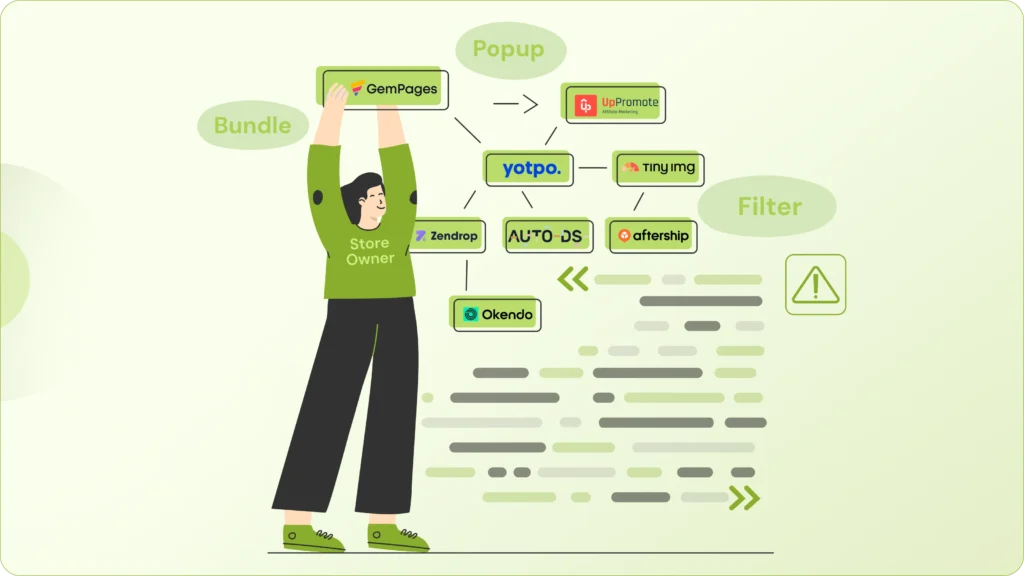
On Shopify, it’s very easy to keep adding tools to fix small gaps, a bundle app here, a popup there, maybe something for filters or custom pricing. Each decision feels small, and in the moment, completely justified.
But over time, these small additions start stacking up. Every app brings its own scripts. Those scripts load in the background, make external requests, and slowly add weight to your store. You won’t always notice it immediately, but the impact builds up.
This is where problems start to show. Your store begins to feel slower. Some apps don’t work well together. Fixing even a small issue takes longer because you’re dealing with multiple systems; instead of just one clean setup.
And then there’s the hidden cost. It’s not just the monthly subscription fees; it’s what those apps are doing to your store behind the scenes. Slight delays in load time, inconsistent user experience, or small glitches during checkout can directly affect conversions.
This becomes even more critical as you grow. When you start investing in ads or SEO, performance isn’t optional anymore. Even a small delay or a broken interaction can mean lost revenue. That’s when stacked apps stop being helpful… and start becoming a limitation.
Apps are still valuable, but if your store starts depending on them for core functionality, it’s usually a sign to step back and rethink the approach.
When Custom Shopify Development Makes Sense
At some point, adding another app stops being the right solution. That’s when custom development starts to make sense.
On Shopify, apps work well for standard features. But when your store starts needing something more specific, like custom pricing, advanced bundles, or a unique buying experience, apps often can’t fully support it.
You’ll usually notice this when you’re trying to combine multiple apps just to make one feature work. Instead of a clean solution, you end up with slower performance, conflicts, and more time spent managing tools than actually improving your store.
That’s your turning point; If a feature is central to how your business operates, you need control over how it works. Relying on third-party apps for something critical can limit flexibility and make future changes harder.
Custom development solves this by letting you build exactly what you need, no extra features, no workarounds, just a solution designed around your business. The result is a cleaner setup, better performance, and more flexibility as you scale.
It’s not about building everything from scratch. It’s about building the parts that truly matter, so they support your growth instead of slowing it down.
The Hidden Factor: Long-Term Cost
At first, apps feel like the cheaper option: $29, $49, or $79 per month.

Individually, it doesn’t seem like much. But on Shopify, most stores don’t stop at one app. It’s common to have five, six, or even more running at the same time. And when you add them up, that “small” monthly cost quickly turns into a few hundred dollars every month.
And that’s just the starting point. As your store grows, you often end up paying more for premium plans, extra features, or usage-based pricing. On top of that, there’s the time spent dealing with app conflicts or limitations, which is a cost most store owners don’t account for initially. Over time, these costs stack up quietly.
Custom development, on the other hand, feels expensive upfront. It takes planning, time, and proper execution. But if you’re building something that’s central to your business, like pricing logic, bundles, or custom workflows, it can actually reduce your costs in the long run.
Instead of paying multiple subscriptions, you invest once in a solution that’s built specifically for your needs. There’s also less overhead as you’re not managing multiple apps, dealing with compatibility issues, or adjusting your processes to fit third-party tools.
This is usually where the mindset starts to shift. As your store grows, the question changes from: “What’s the cheapest option right now?” to “What makes the most sense long term?” And that’s where smarter decisions are made.
A Smarter Approach: Hybrid, Not Extreme
The best-performing stores on Shopify don’t think in extremes.
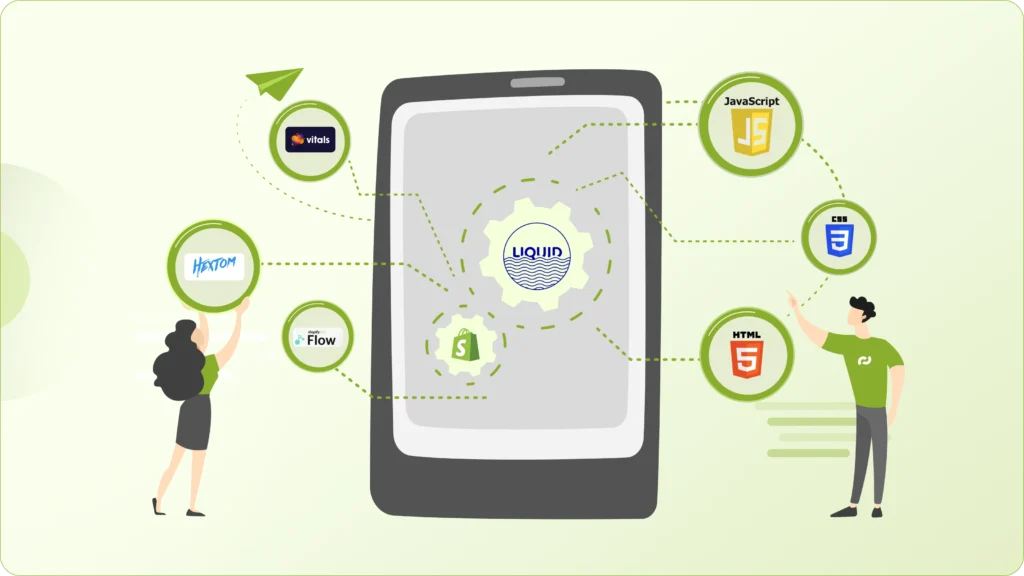
They’re not trying to run everything on apps, nor are they custom-building every feature. They take a hybrid approach, and that’s where smarter decisions happen.
Instead of choosing one side, they treat different parts of the store differently. Standard features like reviews or email popups are handled with reliable apps. But when it comes to core business logic, things that directly impact how the store sells, they prefer custom solutions for better control.
This keeps things practical. You move fast where speed matters, and you build properly where control matters. It also helps avoid unnecessary complexity. You’re not stacking apps for critical features, and you’re not over-engineering things that don’t need it.
The result is a store that’s easier to manage, performs better, and can scale without constant rework.
In the end, it’s not about being anti-app or pro-custom. It’s about being strategic with both.
So, What Should You Do for Your Store?
Before you install another app on Shopify, take a step back and think about what you actually need.
- Is this feature central to how you sell, or is it just supporting your store?
- Will you still need it a year or two from now?
- Is it improving the experience, or slowly making your store heavier?
- And most importantly, are you adding this app to solve a real problem… or to work around the limitations of another app?
These are the questions that bring clarity. If you notice things getting more complex with more apps, more fixes, or more dependencies, it’s usually a sign that your current setup isn’t sustainable anymore.
That doesn’t mean apps are bad. It just means your store might have reached a stage where it needs more control, better performance, and a cleaner foundation.
And that’s where custom development starts to make sense, not as a replacement for everything, but as the next step in growing your store the right way.
Final Thought: Build for Where You’re Going
Apps are great tools, and custom development is powerful.
The real goal isn’t choosing one over the other. It’s building a Shopify store that supports your long-term growth without becoming fragile, slow, or overcomplicated.
If you’re unsure whether a feature should be handled through an app or custom Shopify functionality, it’s worth evaluating it properly before committing.
If you’d like a second opinion on your current Shopify setup or you’re planning a feature and want to do it the right way from the start,
→ Let’s have a conversation about your store and what makes the most sense for your next stage of growth.