

Store migrations rarely fail because of design; they fail because traffic disappears quietly after the launch.
Yet the homepage looks cleaner, Checkout feels faster, the new store is live, so on the surface, everything seems fine. Then, organic traffic drops 20%, 30%, sometimes 50% over the next few weeks.
Not because Shopify is bad. Not because Google suddenly changed its mind. And also not because migrations are “just risky.”
It usually happens because the migration was treated like a redesign project without considering the search infrastructure.
So, when you migrate a store, you’re not just moving pages. You’re moving years of URL history, internal link equity, indexed content, crawl paths, metadata, and ranking signals. If those signals break during migration, rankings slip.
That’s a real risk, but the good news is this is predictable and preventable.
If you’re migrating your ecommerce store in 2026, whether from WooCommerce, Magento, BigCommerce, Shopware, or a custom stack, this is the checklist that protects your rankings while the rest of the site changes around them.
Why SEO Drops During Store Migration
Most post-migration traffic drops are avoidable. They usually happen because the migration changes more than just the platform.
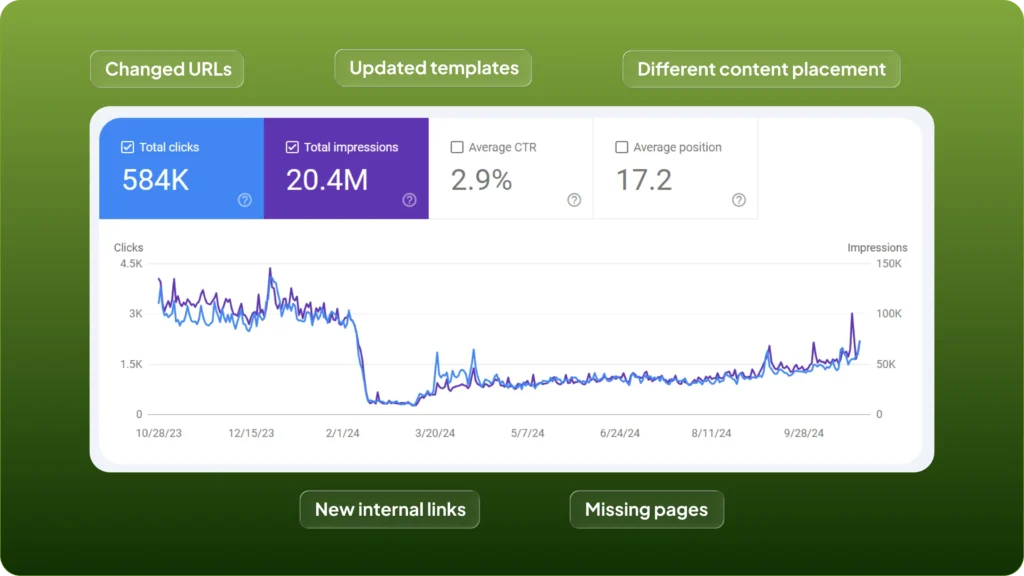
Google does not look at migrations the way your team does. It does not see a cleaner design, a better CMS, or improved UX. It sees changed URLs, updated templates, different content placement, new internal links, and sometimes missing pages.
That means Google is not just following your redirects. It is re-evaluating whether the new version of each page deserves the same rankings as the old one.
This is where most stores lose visibility: A page moves to a new URL, but the redirect is too broad. A collection page keeps its slug, but loses half its content. Product templates look cleaner, but key metadata gets overwritten by theme defaults. Navigation is simplified, but internal links that supported rankings quietly disappear.
None of these issues feel dramatic during launch. But together, they weaken the signals Google was already trusting. And that is usually what causes the drop.
The biggest SEO mistake in migration is assuming Google sees this as a simple move, but it doesn’t; it sees a changed site and starts validating it again.
Your job during migration is to make that validation process as easy as possible. The safest migration is the one where Google sees the least unnecessary change.
Start by Capturing What Exists Today
Before anything gets redesigned, rebuilt, or migrated, document the current site exactly as it exists. This is the most skipped part of migration planning, and usually the most expensive to ignore.
Most teams know their major pages. They know their homepage, best-selling products, top collections, and maybe their highest-traffic blogs.
That is not enough. Google doesn’t rank only the pages your team remembers. It ranks legacy URLs, old blog posts, filtered collections, image URLs, PDFs, and pages that may not matter internally but still bring search traffic.
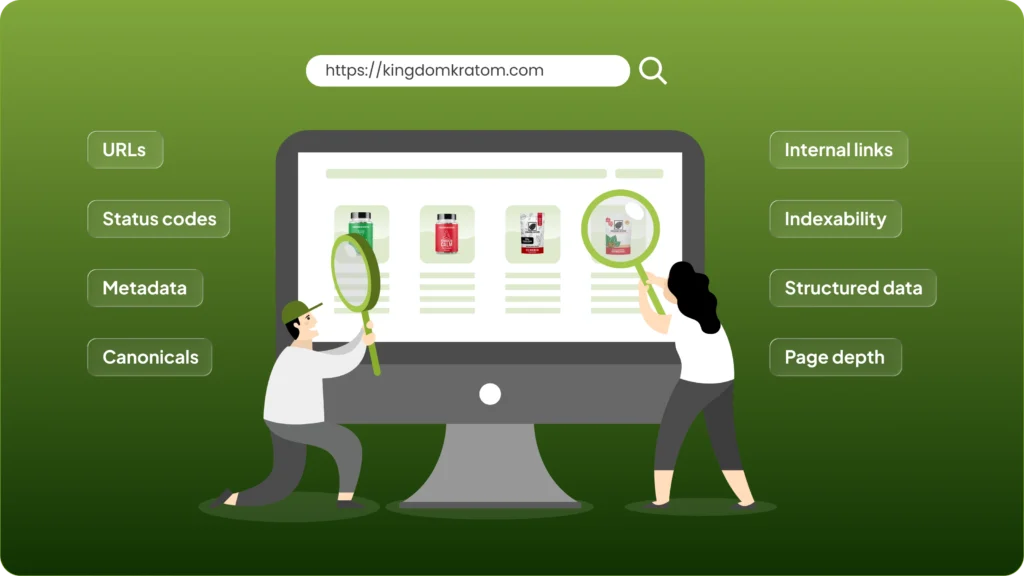
Before migration starts, you need a full inventory of what currently exists and what already performs. That means crawling the full site and pulling a clean snapshot of its SEO structure: URLs, status codes, metadata, canonicals, internal links, indexability, structured data, and page depth.
Then compare that crawl with real performance data from Search Console and GA4. This is where you identify the pages that actually matter, not just the ones that are easy to see in navigation.
In almost every migration, there are pages no one planned around that still rank, still get impressions, or still hold backlinks. If those disappear during migration, rankings usually disappear with them.
This step gives you a baseline. Without it, you are not protecting SEO; you are guessing what to preserve.
Build Redirects Before Development Begins
Redirects should be planned before development starts, not a few days before launch. This is one of the most common reasons migrations lose traffic.

Once URLs change, Google needs a clear and permanent path from every old page to its new version. If that path is vague, broken, or overly broad, rankings weaken fast. This is where many migrations go wrong.
Teams often treat redirects as a cleanup task. Something to handle once the new store is built. But redirects are not a launch task. They are part of the migration architecture.
Every important URL on the old site needs a mapped destination before development begins. Not just product pages, but collections, blogs, CMS pages, campaign landing pages, and any legacy URLs that still receive traffic or backlinks.
And those redirects need to be specific. If an old product page now points to the homepage, Google usually does not treat that as a meaningful replacement. The page resolves, but the relevance is gone. In practical terms, that ranking signal is often lost.
That is why blanket redirects cause so much damage. A migration keeps more SEO value when each old URL points to the closest equivalent new page with the same intent, same topic, same purpose.
That is what Google is trying to validate, not whether the page loads, but whether the destination still deserves the authority the old URL had earned.
Preserve Metadata Before the New Theme Rewrites It
One of the easiest ways to lose rankings during migration is to accidentally overwrite metadata that was already working.

This happens more often than most teams realize. The old site may have years of optimized title tags, meta descriptions, heading structure, image alt text, and schema markup. Then the new theme goes live and replaces much of it with template defaults.
The page still exists. The content is still there. But the signals that helped Google understand and rank it have changed. That is where rankings often start slipping.
A cleaner design does not protect SEO if the underlying metadata gets diluted in the rebuild. This is especially common on collection pages and product templates, where platform defaults tend to flatten page-level optimization. Titles become generic. Headings lose keyword relevance. Schema becomes inconsistent. Alt text gets dropped during image migration.
None of this is obvious in a visual QA pass, but Google notices it quickly.
Before launch, preserve the metadata that already performs. Titles, descriptions, H1s, alt attributes, schema, and page-specific copy should be migrated intentionally, not regenerated by default theme logic.
The design can change. The SEO signals that already work should not.
Do Not Redesign the Content Strategy Mid-Migration
A migration is already a major change; it is not the right time to also rewrite how your site communicates relevance.
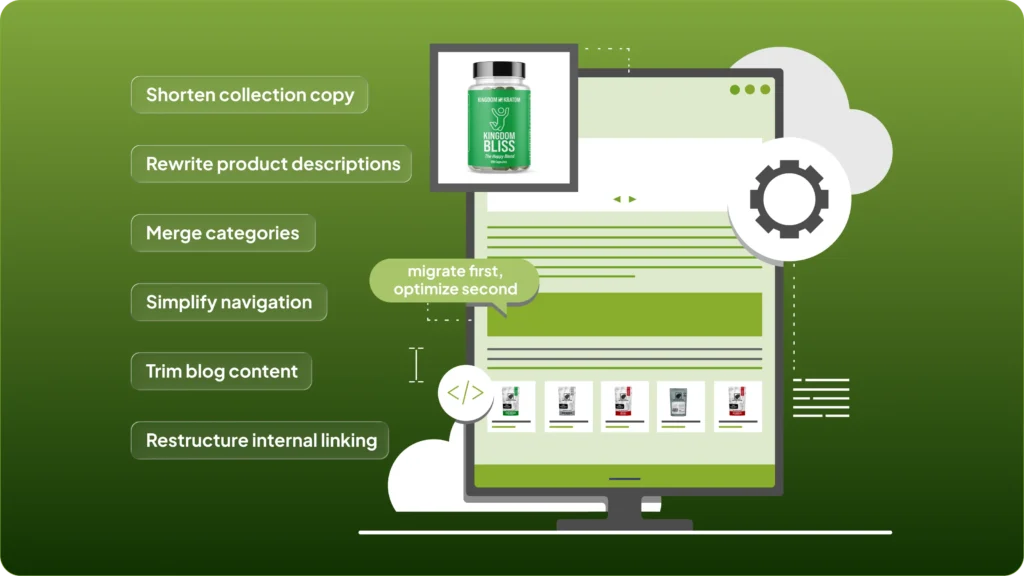
This is where many teams create avoidable SEO instability. They migrate to a new platform, then use the same launch to shorten collection copy, rewrite product descriptions, merge categories, simplify navigation, trim blog content, and restructure internal linking.
From a brand perspective, that may feel efficient. From Google’s perspective, it creates too much change at once.
Now it is not just evaluating a new platform or new URLs. It is also reassessing whether the content still serves the same intent, covers the same topic depth, and deserves the same rankings. That is a much harder reset to recover from.
The safest approach is simple: migrate first, optimize second. Keep the core content structure stable during launch, Preserve page intent, Preserve topical depth, Preserve internal context.
Once rankings stabilize, then improve. Migration is the wrong moment to test a new content strategy.
Check Canonicals Carefully, Especially on Shopify
Canonical tags are one of the easiest technical signals to overlook during migration and one of the fastest ways to confuse indexing after launch. They matter more than most teams think.
A canonical tag tells search engines which version of a page should be treated as the primary one. During migration, that signal becomes critical because Google is already trying to understand whether multiple versions of similar pages now exist. If canonicals are wrong, Google gets mixed signals fast.
This matters even more on Shopify, where products and collections can sometimes be accessed through multiple paths, filtered URLs can create duplicate versions, and theme logic may introduce canonicals you did not explicitly plan for.
Most of the time, Shopify handles canonical logic reasonably well. But “reasonably well” is not the same as safe to ignore.
You still need to validate that product pages point to themselves, collection variants are not creating duplicate index paths, filtered pages are not generating noise, and the live domain is always treated as canonical.
If those signals become inconsistent during migration, indexing slows down and rankings often become unstable.
Canonical issues rarely cause dramatic failures. They cause slower, quieter SEO losses that are much harder to diagnose later.
Keep Staging Out of Google
Your staging site should never be indexable. This sounds obvious, but it still gets missed often enough to cause real problems.

If Google finds and indexes staging before launch, it can start crawling duplicate versions of the same store before the migration is even complete. That creates unnecessary confusion around duplication, canonical ownership, and index priority.
Now Google is not just evaluating one version of your store. It is comparing two. That is a problem you do not want during migration.
A staging environment should be blocked from indexing from day one. Password protection is the safest option. Noindex directives should also be in place, and staging URLs should never be submitted anywhere Google can treat them as production assets.
This is a simple step, but it prevents one of the messiest technical SEO problems a migration can create.
Internal Links Need a Full QA Pass
Most teams test redirects before launch. Far fewer test internal links with the same level of care.
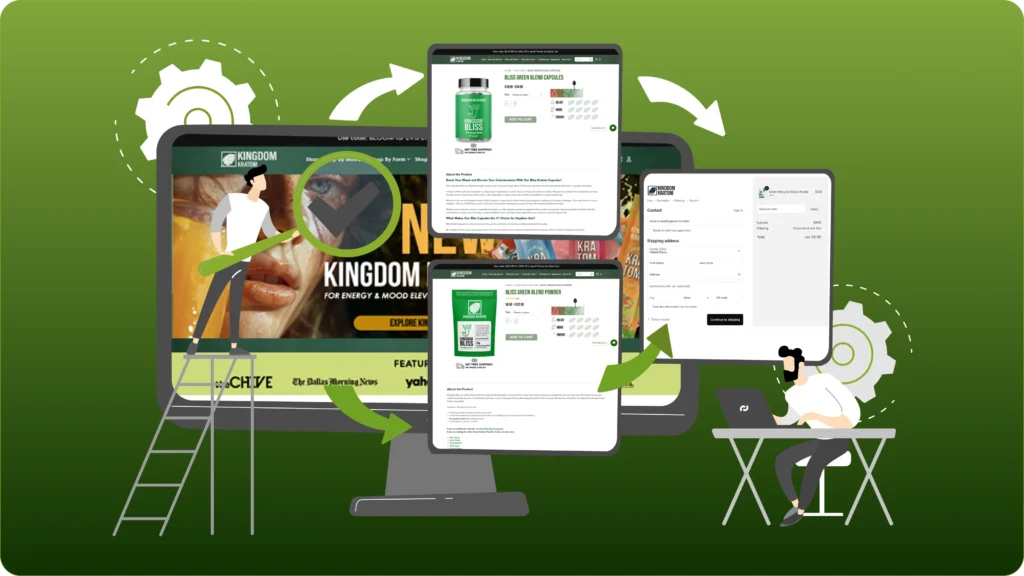
That is a mistake. Redirects help Google find where old pages moved. Internal links help Google understand what still matters on the new site.
They shape crawl paths, distribute authority, and reinforce page relationships. After migration, that matters more than ever. This is where stores often lose SEO quietly.
The navigation looks fine, but internal links still point to old paths. Related products link to retired URLs. Blog content still references old collections. Breadcrumbs follow outdated structures. Important pages are technically live, but no longer well connected.
That makes crawling less efficient and weakens how authority flows across the site.
Some pages stay indexed anyway. Others lose visibility because they became harder to discover, harder to reinforce, or easier to deprioritize.
That is why internal linking should be reviewed as infrastructure, not just UX.
Send the Right Signals to Google Right Away
Once the new store is live, Google needs clean confirmation that the migration is complete.
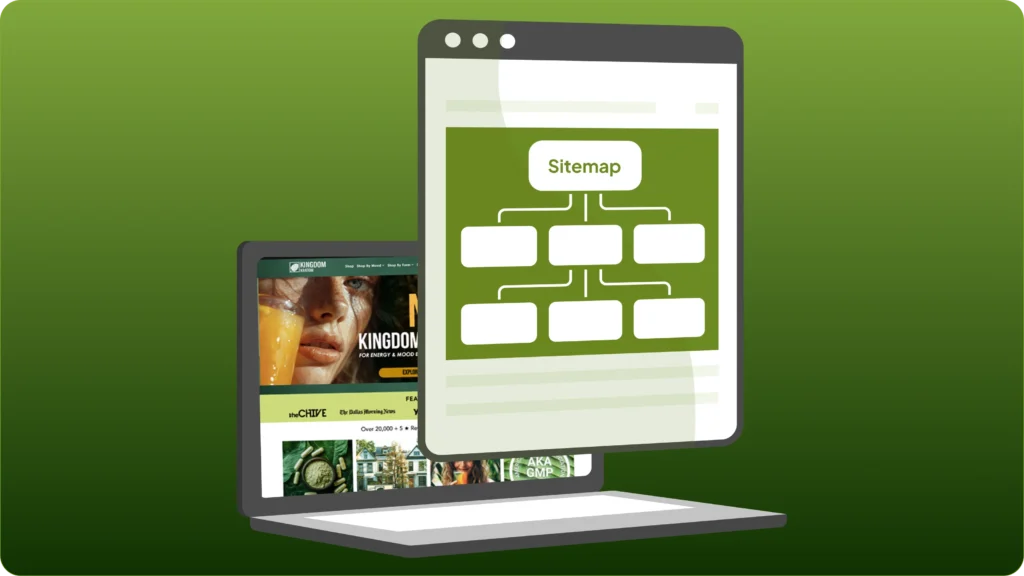
Do not wait for search engines to figure it out on their own. Resubmit the sitemap in Google Search Console. Inspect key templates. Request indexing for your highest-priority pages. If the domain changed, submit a change of address. Then monitor coverage, crawl behavior, indexing, and canonical reporting closely.
This is the part that tells you whether Google is processing the migration the way you expected.
Search Console becomes your early warning system here. It will usually show migration issues before traffic data does.
That is why post-launch monitoring matters just as much as pre-launch planning.
Final Thoughts
Store migrations do not usually hurt SEO because the platform changed; they hurt SEO because too many search signals changed with it.
That is the real risk.
A successful migration is not just about launching a better store. It is about keeping enough of the underlying SEO structure intact that Google can trust what changed without questioning everything else.
That means preserving relevance, preserving crawl paths, preserving metadata, and preserving technical clarity.
Do that well, and migration becomes what it should be: a platform transition, not a traffic reset.
Planning a Store Migration in 2026?
A store migration can improve performance, simplify operations, and give you a stronger platform to scale on, but only if the SEO side is handled properly from the start.
The biggest risk in most migrations is not the platform move itself. It is losing the search visibility and revenue your store has already built over time.
That is why migration needs more than development support. It needs the right SEO structure, technical planning, and post-launch validation behind it.
→ If you’re planning to migrate your ecommerce store and want to protect your rankings while making the move, we can help you handle the migration the right way, from SEO mapping and technical planning to launch support and post-migration cleanup. Explore our ecommerce migration services to see how we can help.